Facing TextNow Login Issues? Learn the Reasons behind it & Rectify them
We at TextNow APK have been observing that a lot of users are complaining regarding TextNow Login Issues. A few of the users complained that they are not getting the Captcha. Others added that they believe their geo-physical location is not letting them sign in to their account. Se we thought to break this topic and explain our readers in detail the causes and their solutions to these problems. So let’s get started.
Some Common Problems related to TextNow Login
A few of the problems that may be causing login issues may include;
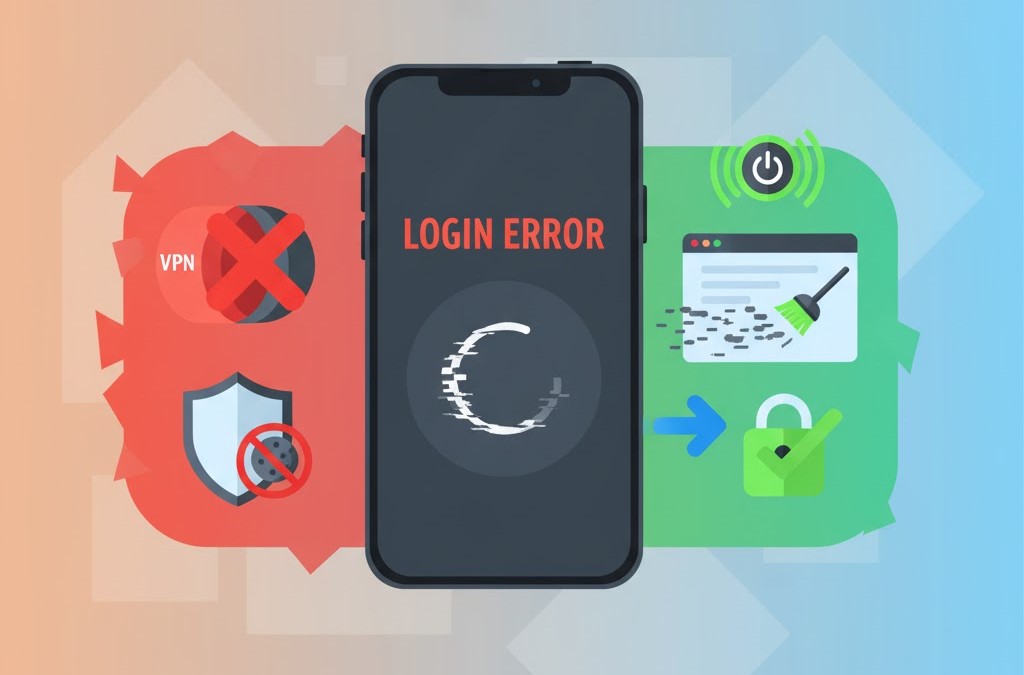
- Captcha Unavailability or Failing – This is often caused by Ad-blockers, browser cookies or the usage of Virtual Private Networks (VPN).
- Usage of Virtual Private Networks (VPN) – TextNow explicitly explains that they will not permit users using the VPNs to change their physical location.
- Geo-Physical Location: TextNow is available only for the US and Canada. Users outside these two countries might face issues regarding login.
Ways to Fix these TextNow Login Issues
You can adopt a range of methods to rectify these login problems. A few of the most common and efficient methods have been described below;
- Shutting Down your VPN – TextNow can easily detect your usage of VPN and will strictly restrict you from logging in. Just shut down your VPN for a while and try logging in. If the problem still persists, try switching to a US location.
- Clear your Browser Cache – A lot of times your browser cache preloads the older versions which causes captcha failing. Make a habit of clearing the browser cache every 24 hours to avoid this problem.
- Disable Extensions – Extensions like Ad-blockers and other related apps restrict TextNow’s scripts from loading. This creates problems for TextNow Login. Try disabling these extensions and try again.
- Switch your Devices – If you are facing login issues on your Mobile Phone, try using the Web Version of TextNow for logging in and vice versa.
- Contact Support – If all these solutions do not work, the best way to get a positive resolution is to contact the TextNow Support. Maybe you are facing an issue which is not very common.
Worried of Losing your TextNow Number? Learn how you can prevent it.
Final Words
The issues explained above are the most common ones and also the solutions regarding TextNow Login Issues. Most of the time the users are relieved by opting one of those tips explained above. If you are still facing the problem, contact the support to get a tailor made result.