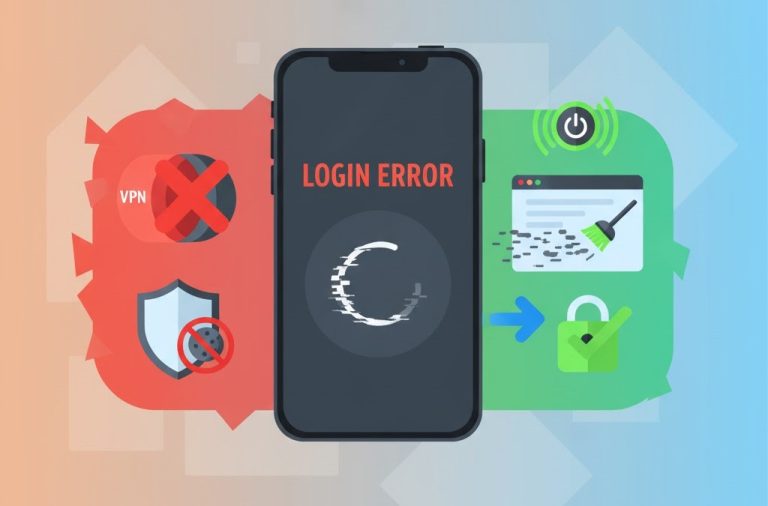

Experiencing Poor Call Quality or Dropped Calls on your TextNow Number? Here’s your Quick Troubleshooting Guide
We at TextNow APK have been observing that a lot of users are complaining regarding poor call quality or the calls being disconnected or dropped quite often. If you are experiencing this issue or something related like echoes or choppy sounds then definitely you are not the only one. So we finally thought to give it a heed and educate our readers about this problem. Let’s delve into it without wasting any further.
Some Common Reasons for this Poor Call Quality
Before going into fixing this problem, let’s first understand some common causes for this issue.
- Poor Internet Connections
- Background Applications draining bandwidth
- Using older or outdated versions of TextNow
- Incorrect VOIP Settings
Methods to Solve the Problems related to Poor Call Quality and Dropped Calls
- Switch to a stable and better internet connection – Apps like TextNow require at least 1 MB speed to work efficiently.
- Get the Latest Version of TextNow – Simply go to our website and download the latest version of the App.
- Shut Down the Background Apps – A lot of the time apps like Youtube or TikTok are running in the background without us noticing. Turn them off before and while using TextNow.
- Correct the incorrect APN or VOIP Settings – If you are using TextNow Sim, make sure that you are using the correct and prescribed settings by TextNow.
- Restart your Device – If none of the above mentioned methods work, try using the golden solution of restarting your device.
Is your TextNow Account Disabled? Learn What to Do – Appeal, Recover & Prevention
Final Words
If you are experiencing low call quality or frequent drops, try the above mentioned methods to rectify this problem. There are 99% chances that your problem will be solved with one of these solutions. If you’re still facing some issues, try contacting TextNow Support.